Manage your Daily Operations
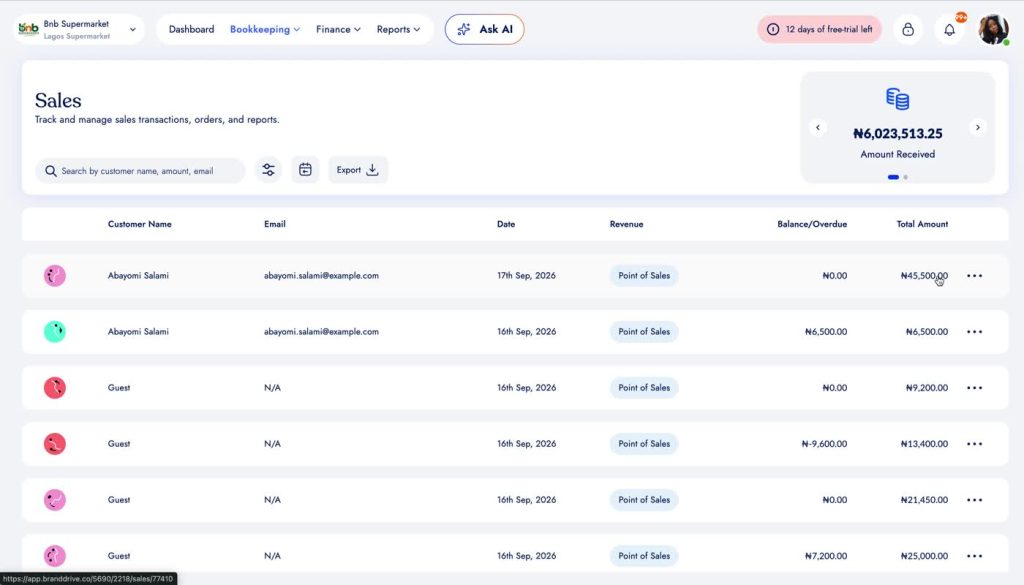
1. Open Sales
Go to Bookkeeping → Sales to view recorded sales.
2. Open a POS sale
Select a Point of Sale transaction from the Sales list to open its details.
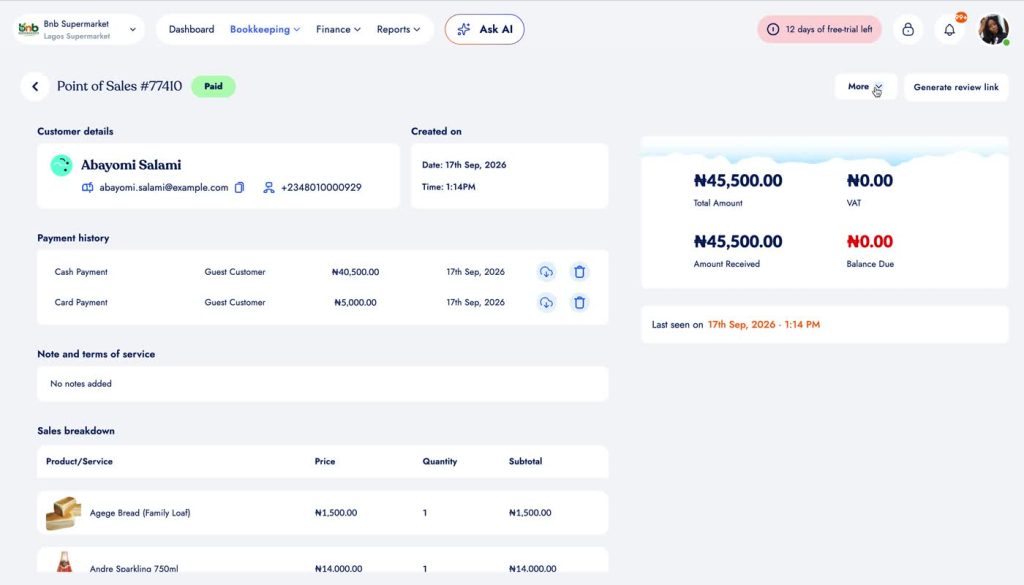
3. Review the sale details
The sale record shows the customer, payment history, totals and the products or services included in the transaction.
Was this article helpful to you?