
Each customer in BrandDrive has a dedicated profile that brings their information and customer activity together. This makes it easier to review the customer before following up, recording transactions or managing outstanding balances.
1. Open Customers
From the BrandDrive dashboard, go to Bookkeeping and select Customers.
2. Select a customer
Find the customer you want to review in the customer list and open their record.
3. Review the customer profile
The customer profile gives you a consolidated view of the customer. Use the information on this page to review their details, balances and activity.
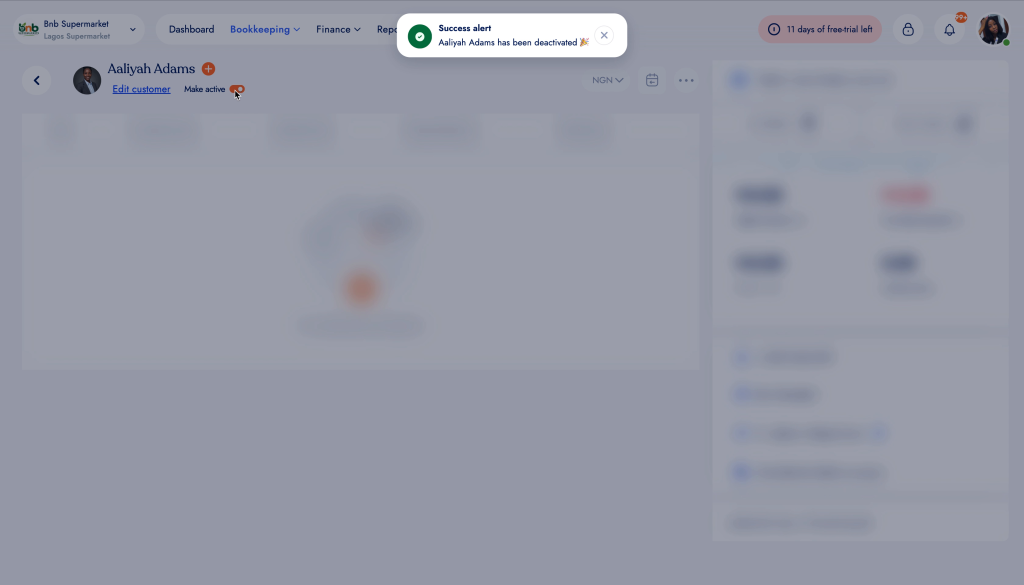
Individual customer profile in BrandDrive.
Information available on the customer profile
- Customer details and contact information.
- Customer transaction and activity information.
- Amounts or balances associated with the customer, where applicable.
- A quick overview of the customer relationship from a single page.
Managing customer information
When customer information changes, open the customer record and use the available customer actions to keep the record up to date. Keeping customer details accurate helps ensure invoices, communication and customer reporting use the correct information.