From the customer list, select the customer you want to view
2. Review the customer’s information
The profile gives you access to the customer’s contact information, transaction activity and customer-related figures.
3. Use the customer actions
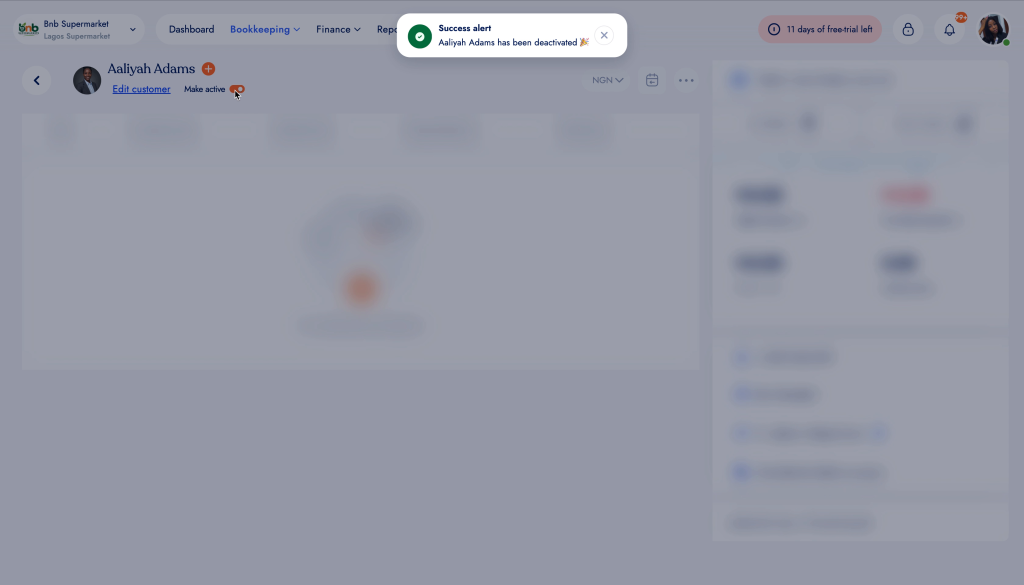
Open the three-dot menu to access the actions available for the customer, including editing the customer, chatting on WhatsApp, adding a credit note, making the customer inactive, deleting the customer, viewing credit-note history or exporting their information.